 Isometric Partners
October 29, 2026
11 min read
Email, calendar, shared drives, documents, meetings — we already built the digital workplace. The next step isn't another tool. It's a layer that connects the systems you already use, so information stops moving by hand, work stops stalling, and commitments get followed through.
Email changed how quickly we could communicate. Shared drives gave entire teams access to the same information. Calendars coordinated our time. Video meetings connected us from anywhere. Documents, spreadsheets, and presentations made it easier to work. These tools work, and they've transformed how we operate. The next shift isn't replacing them. It's connecting them.
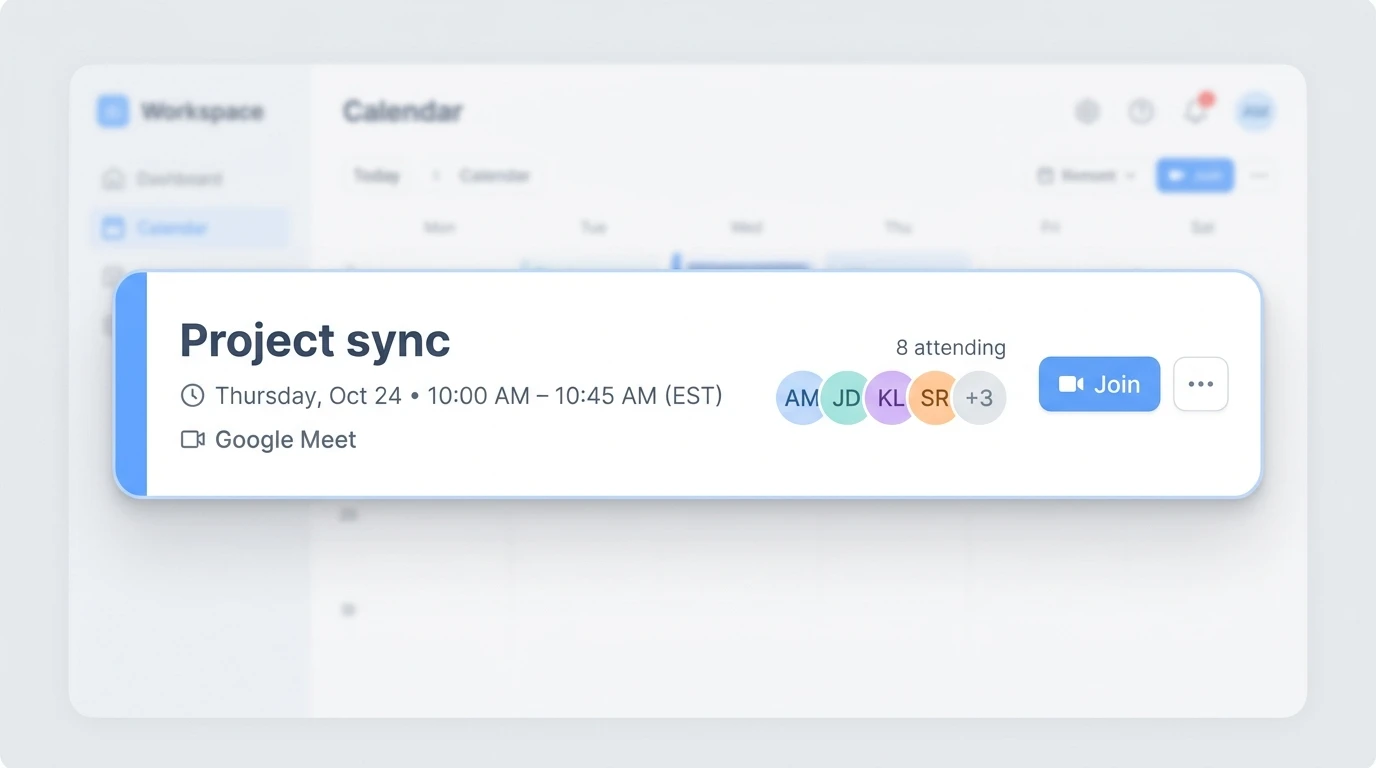
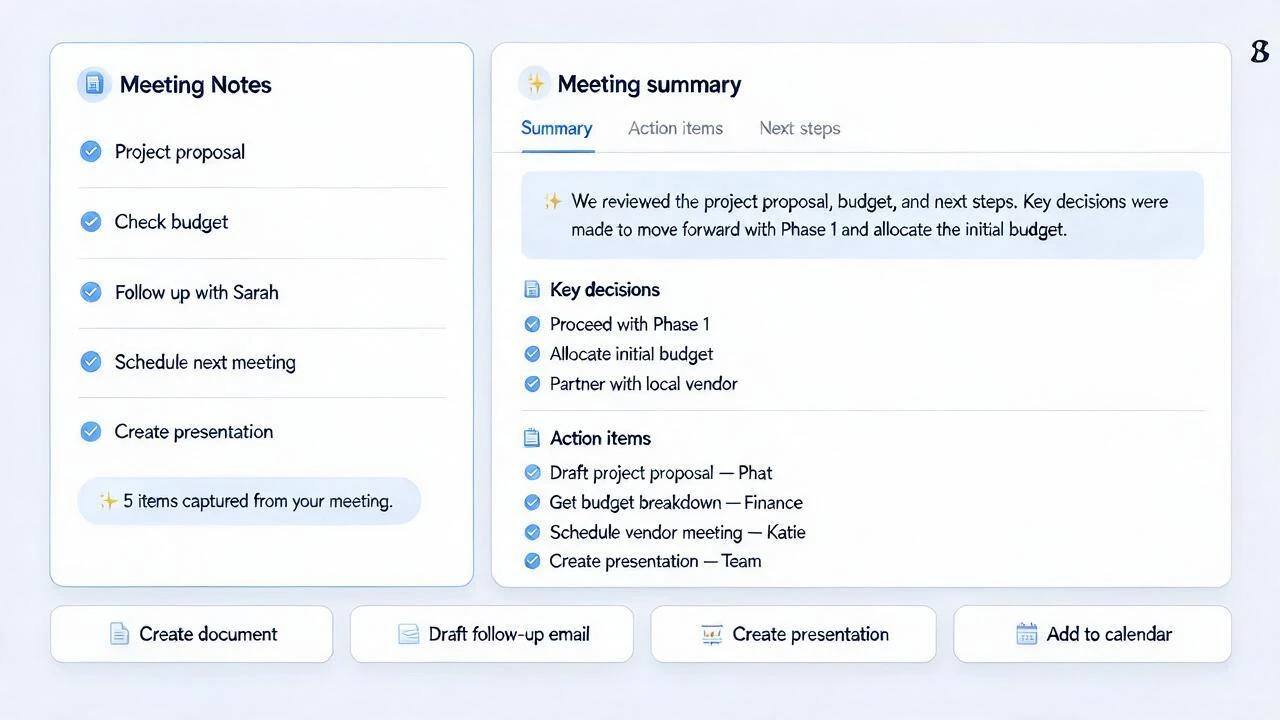
A team spends 45 minutes working through a project. Ideas are shared, problems are discussed, and a plan begins to take shape. Someone says, "Let's send this to Sarah." Another person says, "We should put together a proposal." A follow-up meeting is needed.
The meeting was productive. The real work begins next. Notes need to be organized. The proposal needs to be written. Sarah needs an email. Tasks need to be assigned. The follow-up needs to be scheduled. Maybe the idea needs to become a presentation. None of this is difficult, but it often stalls — because no one owns the next step, because the details are scattered across different tools, or because everyone is already carrying too much.
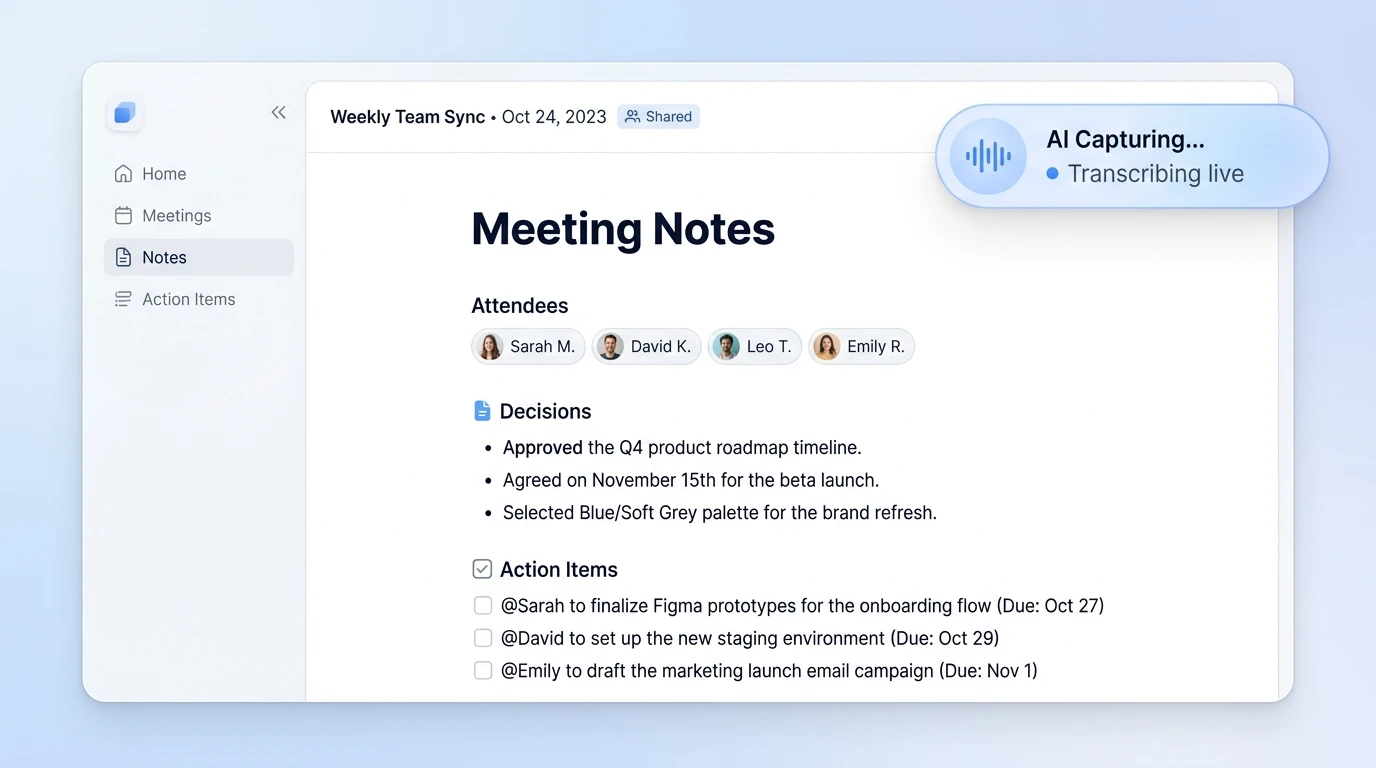
For Instance, when the meeting happens inside Google Meet or Microsoft Teams, AI can record and transcribe it, pull out the decisions and action items, and reach across your email, calendar, documents, and files. Instead of leaving the follow-through to memory and goodwill, it can help each person move their part of the work forward.
Instead of starting from zero, you can simply ask:
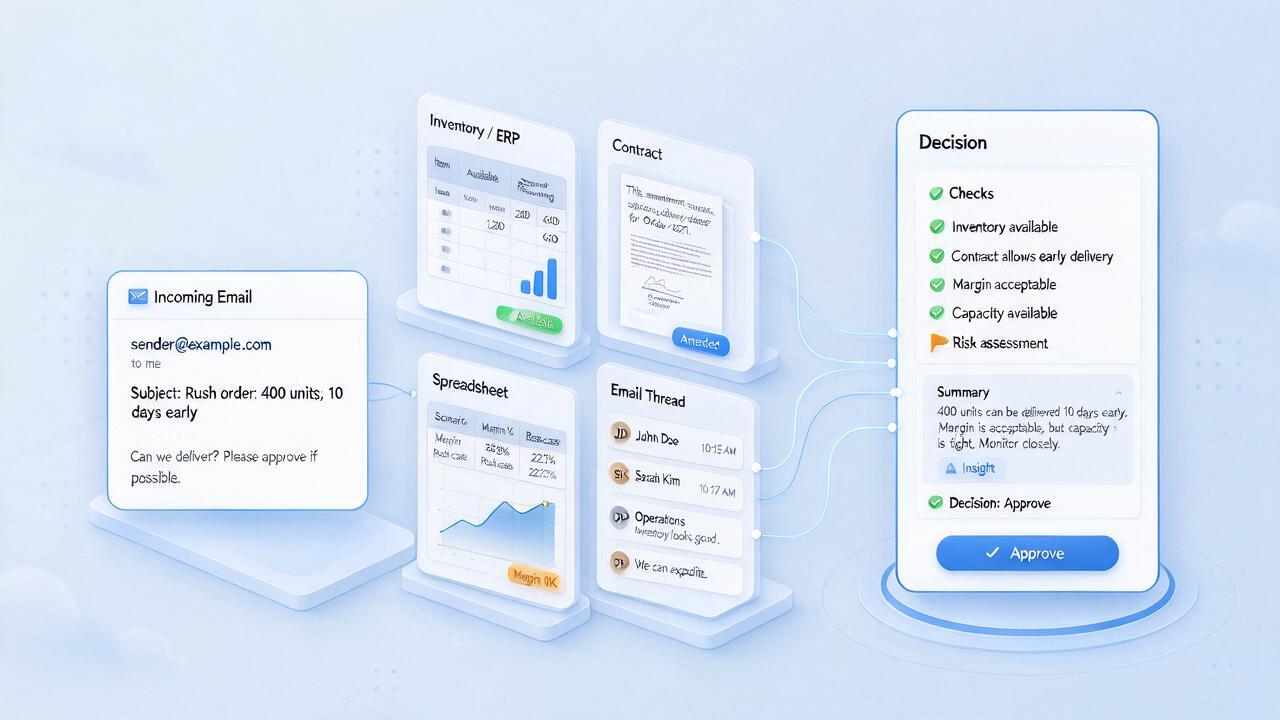
The same gap shows up outside meetings. A director needs the final equipment budget from a project completed four months ago. The number exists — maybe in a spreadsheet, an email, a meeting, or a shared drive.
Traditionally, that means searching, messaging, and waiting for a response. But the organization already knew the answer. The systems just didn't make it easy to reach.
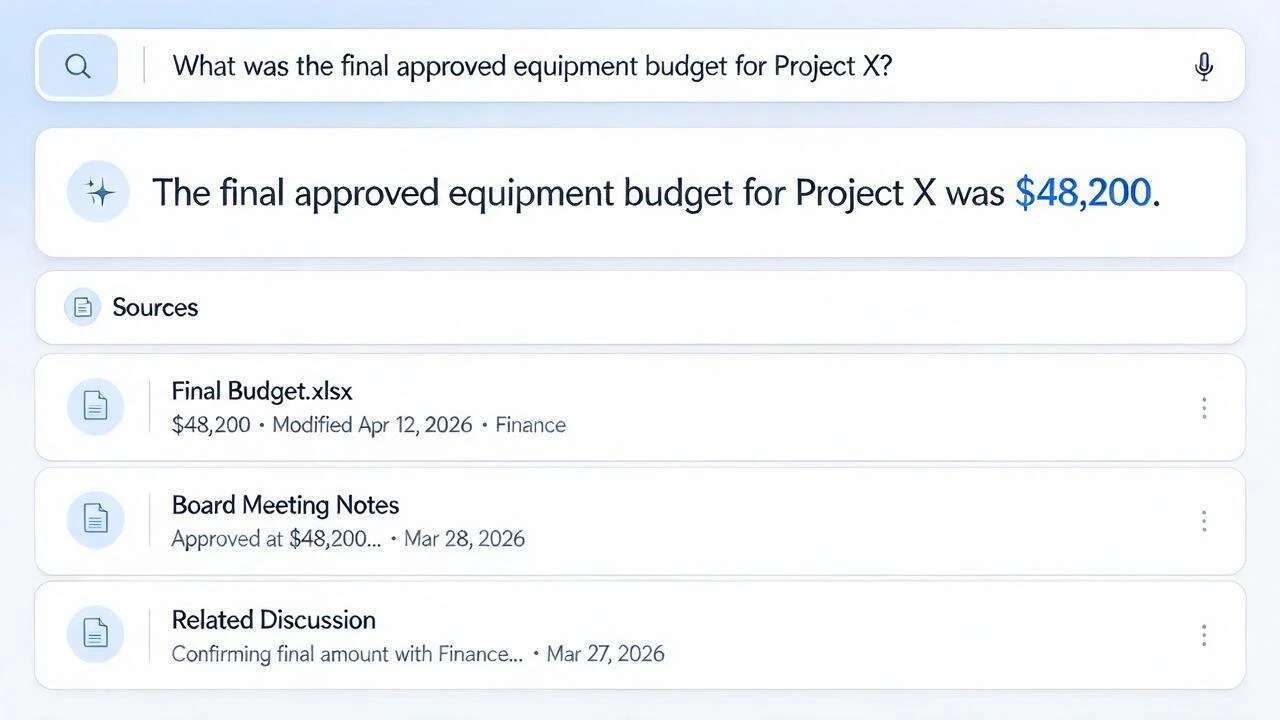
Most people don't need to understand how AI works. If your organization already uses Google Workspace or Microsoft 365, you already have most of what you need. The interface is a question, asked in plain language.
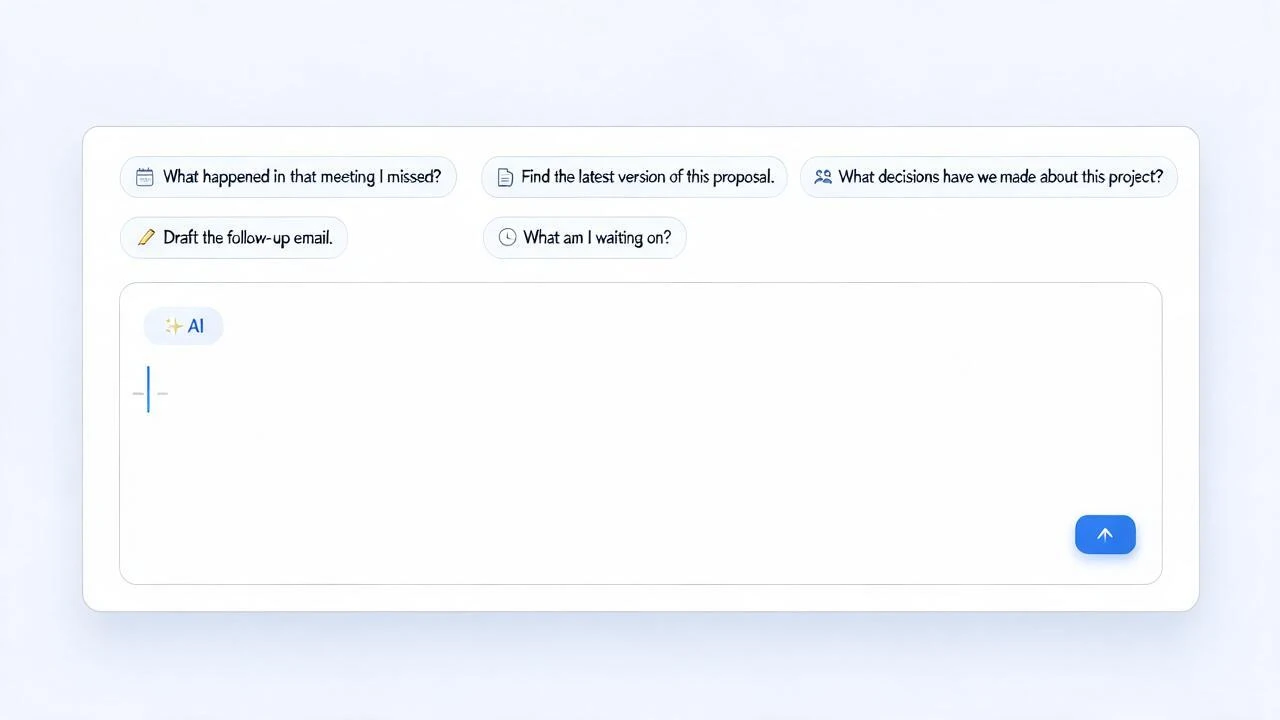
Following through could be as simple as asking:
We spent decades building the digital workplace. We use these tools every day and know how they work. Now we're adding the layer it has largely been missing: one that understands the context between the pieces.
Think about the past week. Which of these sounds familiar?
None of these are failures of effort. They're gaps between tools that were never designed to talk to each other. That's the gap a connecting layer closes — and it's smaller to close than most people expect.
Pick one place where work stalls — the follow-up after a meeting, the search for a document, the proposal that takes too long to draft. Then ask what it would take for the tools you already use to carry that step for you. That's a small enough question to answer this week, and it's where the leverage is.
Answers about scope, ownership and getting started.